Pano2VR
Input Formats
Pano2VR supports cylindrical, equirectangular, cube faces, cross, T, strip and QuickTime VR as input formats with the added ability to convert between these formats for retouching the cube faces. Supported file formats are JPEG, PNG and TIFF with 8, 16 or 32 bits per channel and QuickTime VR files encoded with JPEG.
|
|
|
|
|
Flash Export
![]() |
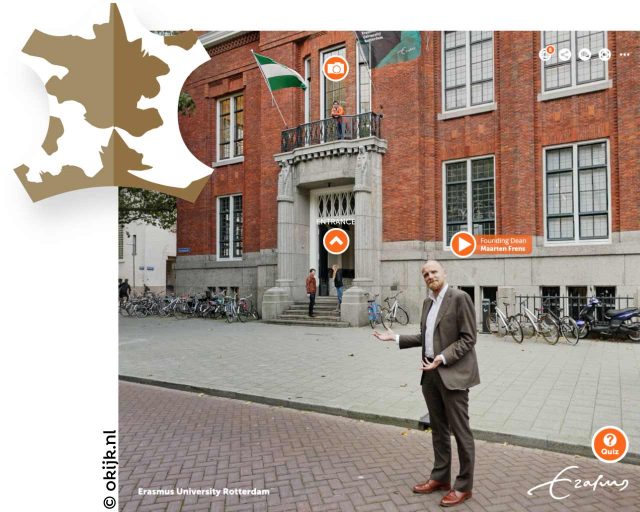
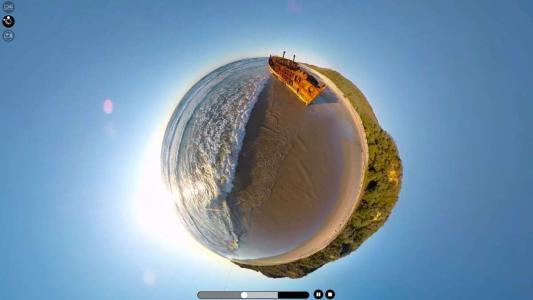
Pano2VR exports the panorama including all graphical elements as a single SWF file in the Flash 8 or Flash 9 format. This allows greater control over the download behavior and makes it easier to distribute the panorama to clients, add it to content management systems or post it on a blog. Cylindrical as well as cubical panoramas can auto rotate with selectable direction, speed and delay. Panoramas can contain hotspots as well as a pre defined or fully customizable skins. The integrated skin editor allows to add maps, links, logos and other information to the panorama in a user friendly way. To see some examples visit the Pano2VR samples page. |
QuickTime VR Export
![]() |
Pano2VR can export cylindrical and cubical QuickTime VR panoramas with subtiling for progressive download, autorotation with selectable direction, speed and delay, userdata, protection flag, and a preview track. To see an example visit the Pano2VR samples page. |
A complete feature list can be found here.